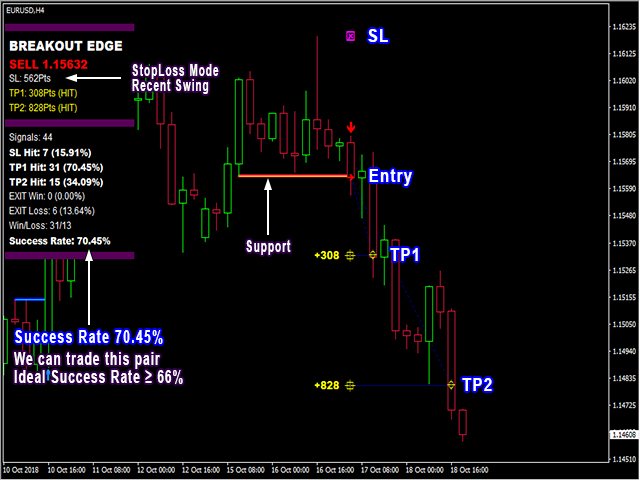
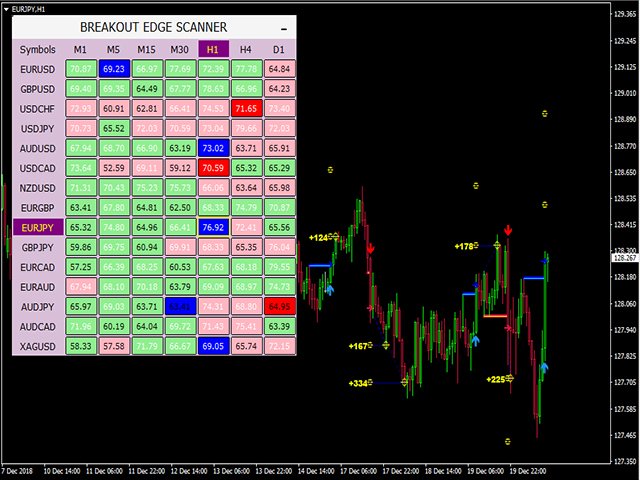
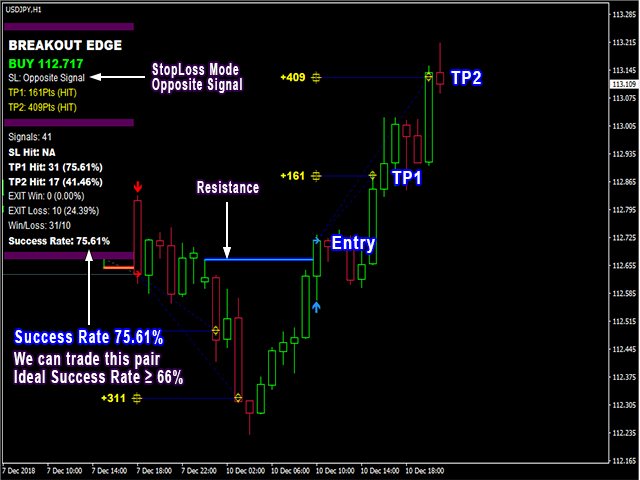
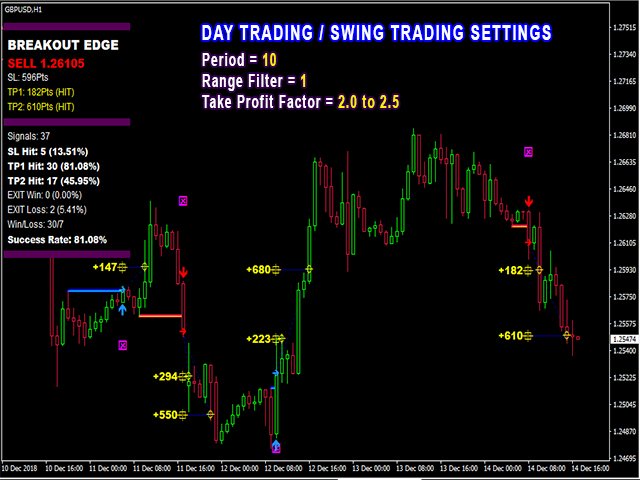
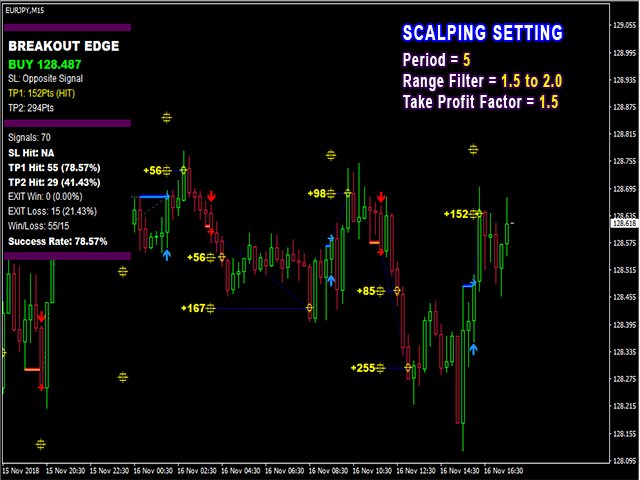
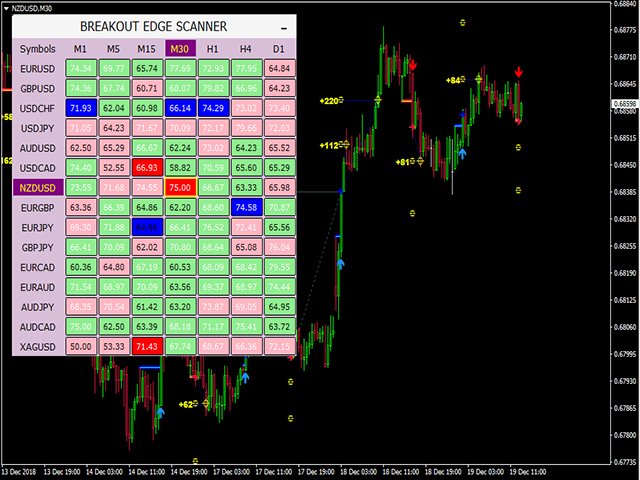
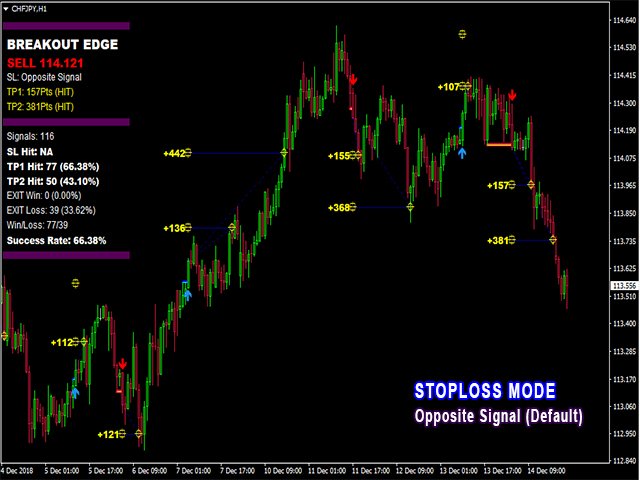
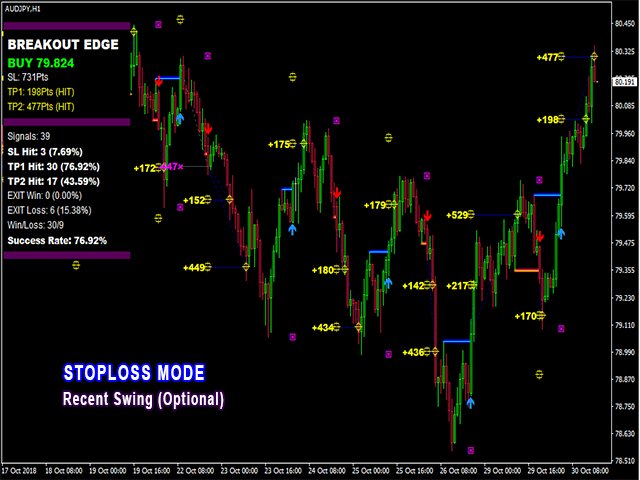
PipFinite Breakout EDGE is a professional MT4 breakout trading indicator that helps traders identify high-probability breakout opportunities using an advanced price action algorithm. The indicator automatically generates Buy and Sell signals, calculates Stop Loss and Take Profit levels, and provides detailed trading statistics to help you evaluate signal performance.
One of its biggest advantages is that it never repaints, never backpaints, and never recalculates signals, making it suitable for both beginner and professional traders.
Whether you trade Forex, Gold, Crypto, Stocks, or Indices, PipFinite Breakout EDGE can be used on almost every financial market and timeframe.
Key Features
- Advanced Price Action Breakout Algorithm
- High Probability Buy & Sell Signals
- No Repaint, No Backpaint & No Recalculation
- Automatic Entry, Stop Loss & Take Profit Levels
- TP1 & TP2 Profit Targets
- Built-in Success Rate Statistics
- Works on Forex, Gold, Crypto, Stocks & Indices
- Compatible with Every Timeframe
- Popup, Email, Push & Sound Alerts
- Fully Compatible with Expert Advisors (EA)
- Professional Trading Dashboard
How It Works
PipFinite Breakout EDGE scans live market price action and detects valid breakout opportunities. Once a breakout is confirmed, the indicator automatically displays:
- Buy or Sell Signal
- Entry Price
- Stop Loss
- TP1
- TP2
- Signal Statistics
The built-in Success Rate dashboard allows traders to filter high-quality trading opportunities before entering the market.
Trading Strategy
The recommended trading approach is very simple.
Step 1 – Wait for a High Probability Signal
Only take trades when the indicator’s Success Rate is 66% or higher.
Step 2 – Set Stop Loss
You can choose either:
Recent Swing High/Low
Opposite Signal
Step 3 – Take Profit
Recommended methods:
Close full position at TP1
Partial close at TP1 and remaining at TP2
Exit when an opposite signal appears
Best Timeframes
- M15
- M30
- H1
- H4
- Daily
Frequently Asked Questions
Does PipFinite Breakout EDGE repaint?
No. The indicator does not repaint, backpaint, or recalculate after a candle closes.
Can beginners use this indicator?
Yes. Its automatic entry, stop loss, and take profit levels make it beginner-friendly.
Does it work on Gold?
Yes. It supports Forex, Gold, Cryptocurrencies, Stocks, Indices, and many other financial instruments.
Which timeframe is recommended?
M15, M30, H1, and H4 generally provide balanced signal quality.